What Are Twitch Sub Badges? (And How to Set Them Up for Your Channel)
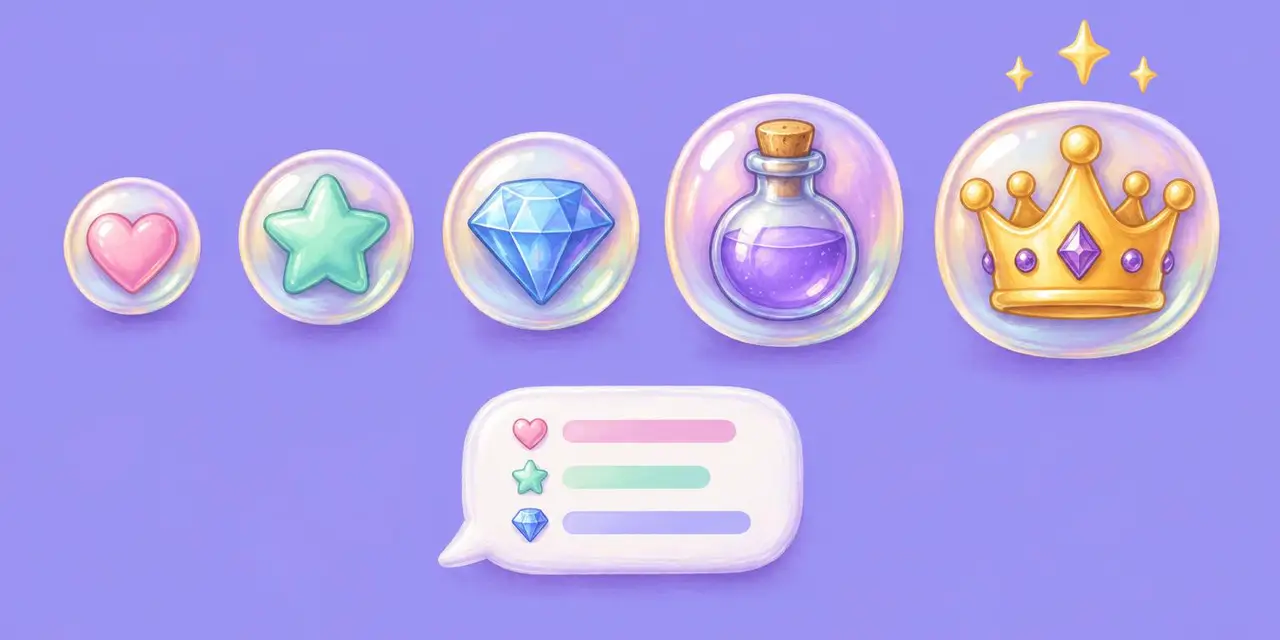
Twitch sub badges are the icons next to a subscriber's name in chat. Here are the sizes, how to upload them, what every chat badge means, and badge ideas.
Quick answer: Twitch sub badges are custom icons that appear next to a subscriber’s name in your chat and change as their sub streak grows. Affiliates and Partners upload them as transparent PNGs in three sizes: 18x18, 36x36, and 72x72 pixels.
If you’ve spent any time hanging out in Twitch chat, you’ve probably noticed those little icons next to people’s usernames: some shiny, some colorful, some instantly recognizable. Those are sub badges, and they’re more than just flair. They’re a symbol of loyalty and support that helps build stronger communities on Twitch.
Whether you’re a new streamer setting up your channel or a longtime creator thinking about giving your badges a glow-up, here’s everything you need to know about what sub badges are, how they work, and how to make yours unforgettable.
What Are Twitch Sub Badges?
Sub badges, also known as Subscriber Loyalty Badges, are custom icons that appear next to a viewer’s name in your chat once they subscribe to your channel. They’re a visual way to celebrate your supporters and show off how long someone has been subscribed.
These badges evolve the longer someone stays subbed, starting with a 1-month badge and unlocking new versions as their sub streak grows. It’s Twitch’s way of turning loyalty into bragging rights.
Where Do Sub Badges Show Up?
Badges display:
In your Twitch chat
Next to usernames in whispers
In your channel’s user list
They’re a quick way to spot your biggest supporters at a glance. And for your viewers, they’re a badge of honor they’ll want to show off.
When Do Twitch Sub Badges Change?
Twitch offers default badges, but streamers can upload custom designs that update based on how long a viewer has been subscribed.
You can upload custom badges for these milestones:
1 month
2 months
3 months
6 months
9 months
1 year
1.5 years
2 years
2.5 years
3 years
3.5 years
4 years
4.5 years
5 years
And so on
This lets you create a full “badge journey” that rewards your fans over time.
What Size Should Twitch Sub Badges Be?
Twitch lets Affiliates and Partners upload their own designs. You’ll need:
A transparent PNG
Three sizes: 18x18, 36x36, and 72x72 pixels
Badge designs can be anything you want: hearts, potions, swords, emotes, or inside jokes from your stream. The best badges often tie into your branding or stream themes.
Not a designer? Tons of artists and platforms specialize in Twitch graphics. You can use free tools like Canva, hire an artist on Fiverr, or grab stream asset packs from Nerd or Die, OWN3D, or Etsy.
How Do You Upload Twitch Sub Badges?
Open your Creator Dashboard on Twitch.
Go to Viewer Rewards, then Subscriptions, and find Loyalty Badges.
Upload a transparent PNG for each milestone in all three sizes: 18x18, 36x36, and 72x72 pixels.
Save. New badges show up in chat right away for subs who’ve hit that milestone.
What’s the Difference Between Sub Badges and Chat Badges?
Twitch has multiple types of chat badges. Subscriber badges are custom and tied to your channel, while others are global or Twitch-issued, like:
Mod badges (green sword)
VIP badges (diamond)
Founder badges (for your first 10 or 25 subs)
Twitch Turbo, Staff, and more
Note: Viewers can only display one global badge at a time, so if someone has both a TwitchCon badge and a Partner badge, they pick which one to show. Channel badges, like your sub badge, still show alongside it in your chat.
How Do You Make Sub Badges Stand Out?
Theme it out: Make your badges feel like a set, like a collector’s series.
Increase prestige: Use colors or icons that get cooler the longer someone is subbed.
Make it legible: Even at 18x18px, it should be easy to recognize.
Add personality: Include stream memes, pets, or your mascot.
What Are Some Good Twitch Sub Badge Ideas?
A growing plant (seed to full bloom), your mascot leveling up, a gem that changes color by tier, a potion that fills up, a pet in different outfits, or an inside joke from chat that gets more dramatic every milestone. Pick one idea and evolve it, so even at 18 pixels the set reads as one family.
Are Custom Sub Badges Worth It?
Sub badges are more than just pixels. They’re community builders. A fun, evolving badge system gives your subs something to look forward to and a sense of pride in sticking around. And as a streamer, it’s one of the most fun and personal ways to reward loyalty.
So whether you’re just starting out or thinking about a badge refresh, now’s the perfect time to level up your chat with some seriously awesome sub badge designs.
Badges reward the fans who subscribe. For the ones who want to do even more, a wishlist gives them a way to gift you gear, merch, or something just for fun. Here are more ways fans can support creators besides subscriptions, and how to set up stream alerts so gifts show up live, just like subs.
Frequently Asked Questions
What does the badge next to someone's name on Twitch mean? It shows their role or support in that channel, like moderator, VIP, subscriber, or Bits cheerer. Sub badges change the longer someone stays subscribed.
Who can upload custom sub badges? Twitch Affiliates and Partners.
What size are Twitch sub badges? Transparent PNGs at 18x18, 36x36, and 72x72 pixels.
Can viewers show more than one badge? Yes. Viewers pick one global badge, and channel badges like your sub badge show alongside it.
Sources